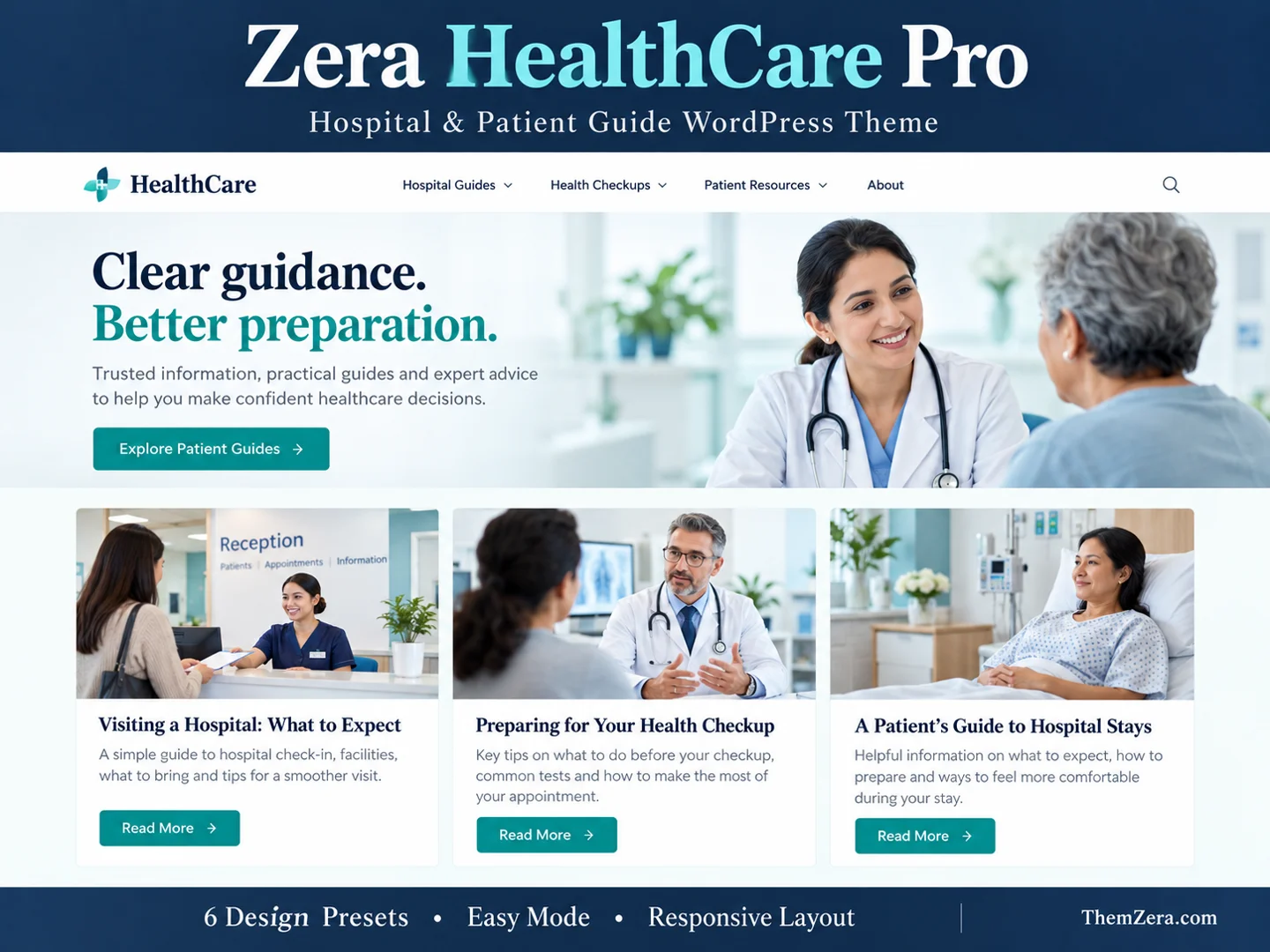
Build a clear, flexible health information website with Zera HealthCare Pro 1.2.0. Choose from six distinct layouts and adjust your site from Appearance → Easy Mode.
Six designs, one flexible theme
Clinical Clean, Medical Journal, Hospital News, Patient Guide, Care Magazine and Minimal Health. These screenshots use demonstration content; your own posts and images appear after installation.
Clinical Clean
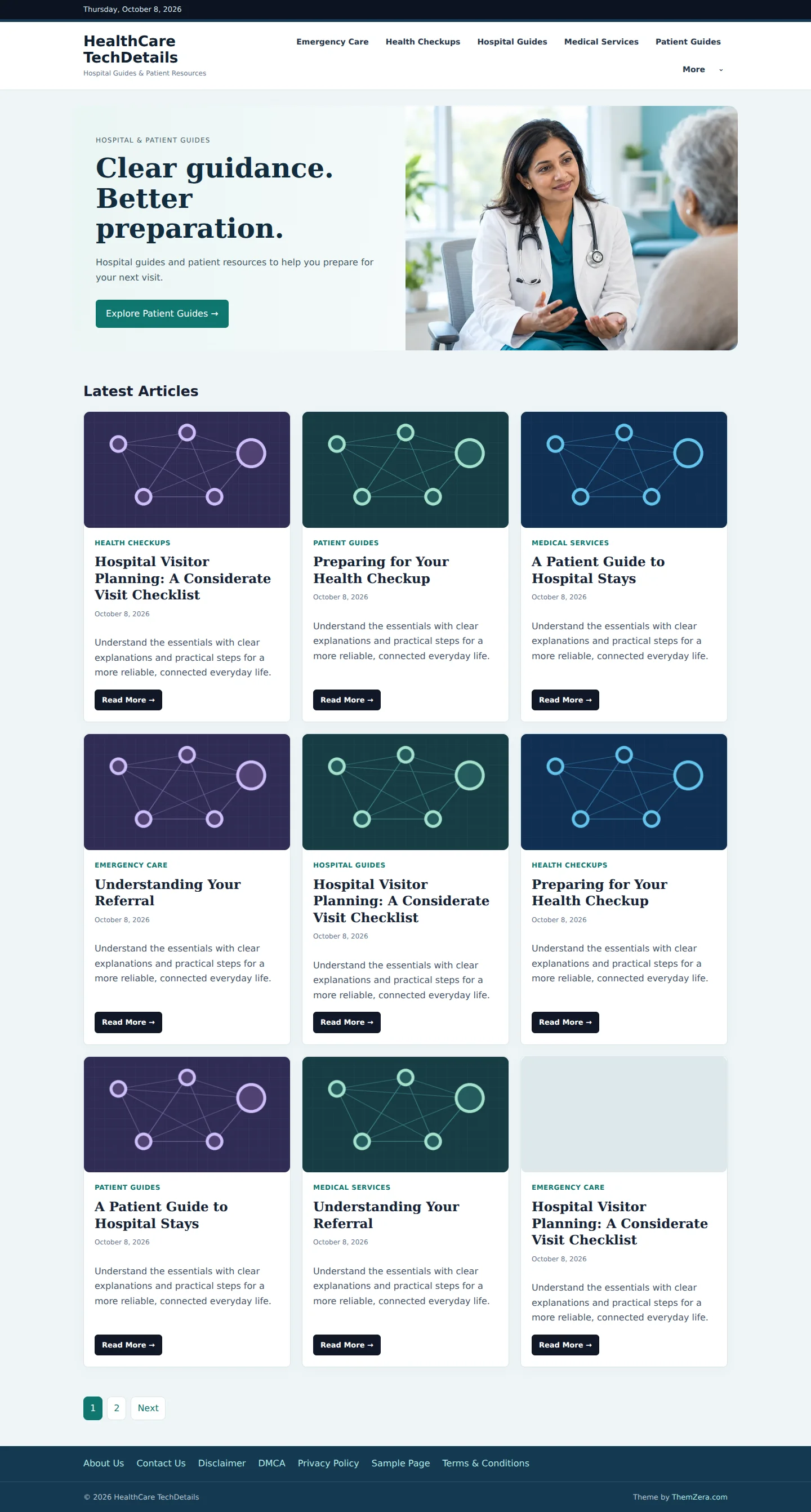
Medical Journal
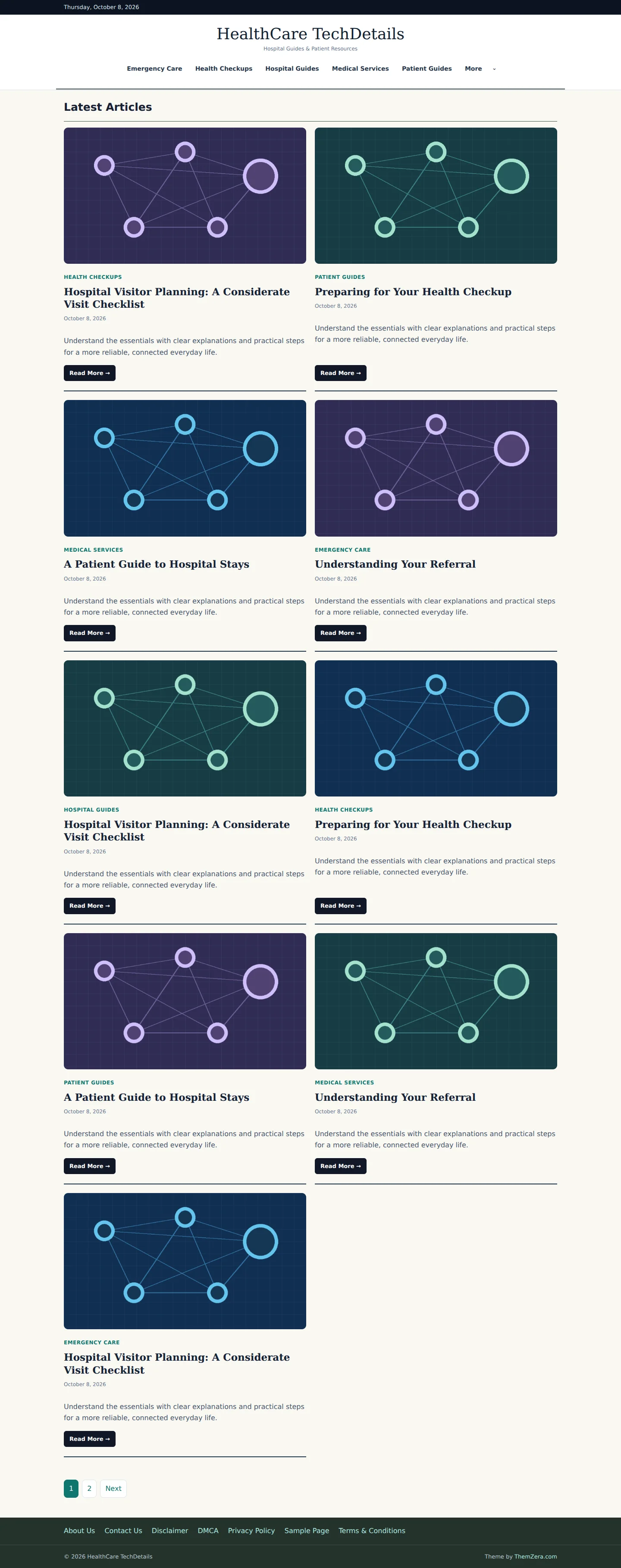
Hospital News
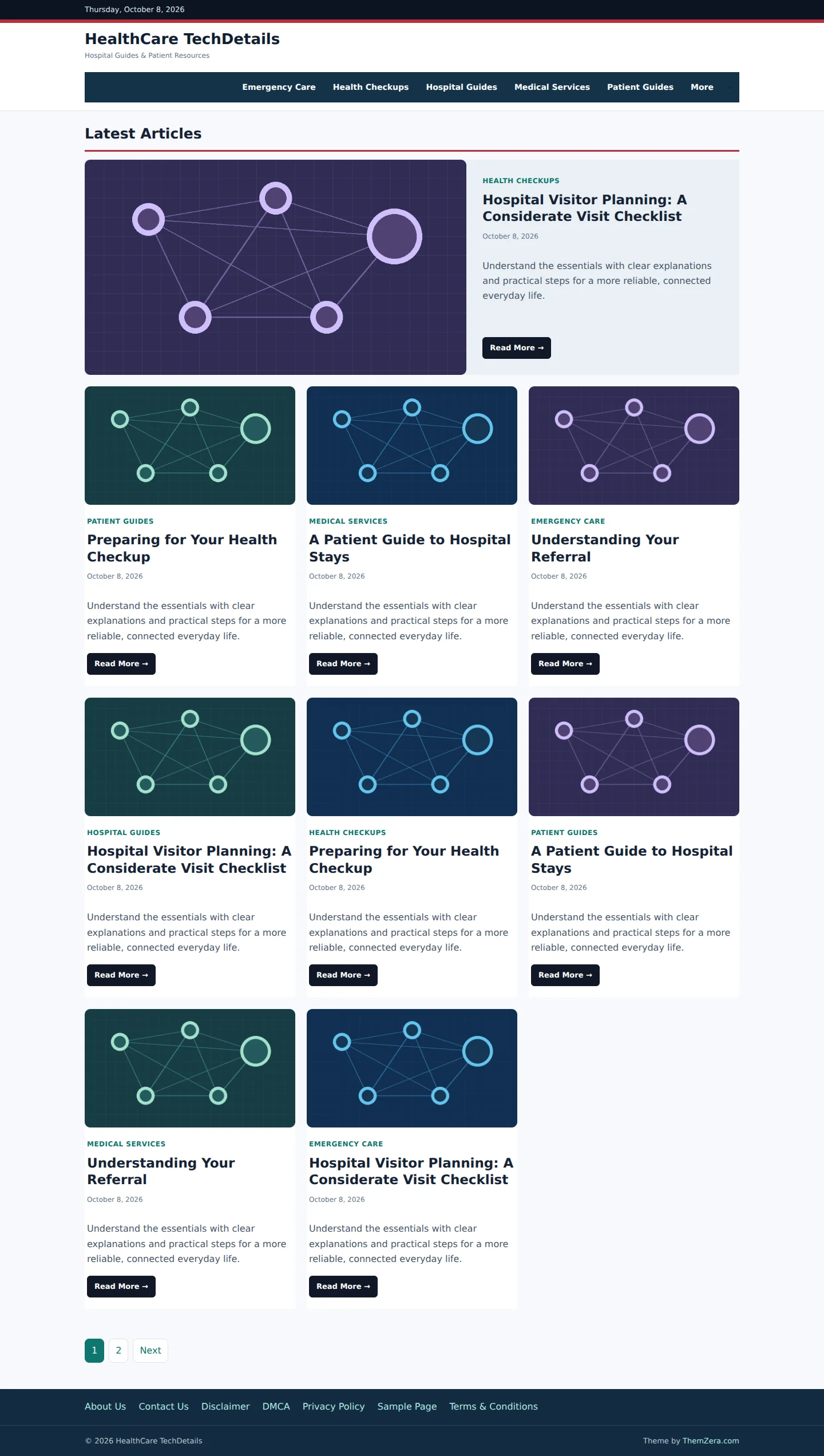
Patient Guide
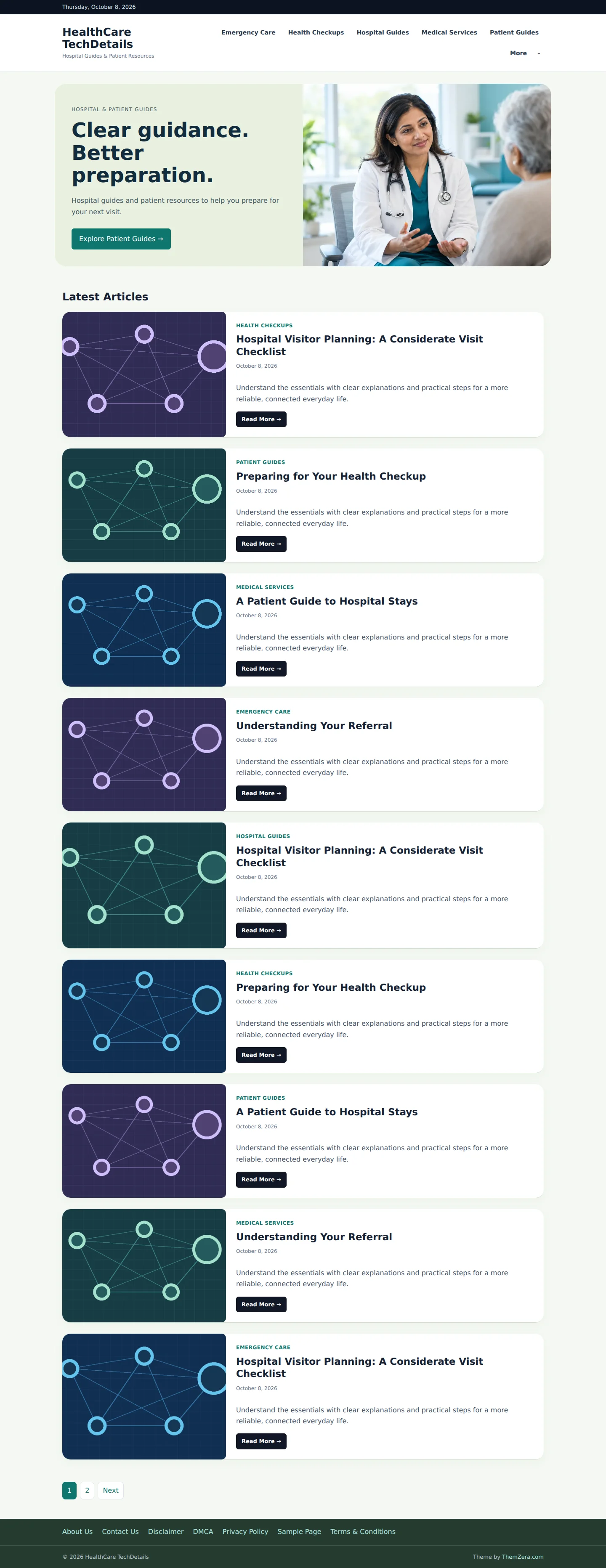
Care Magazine
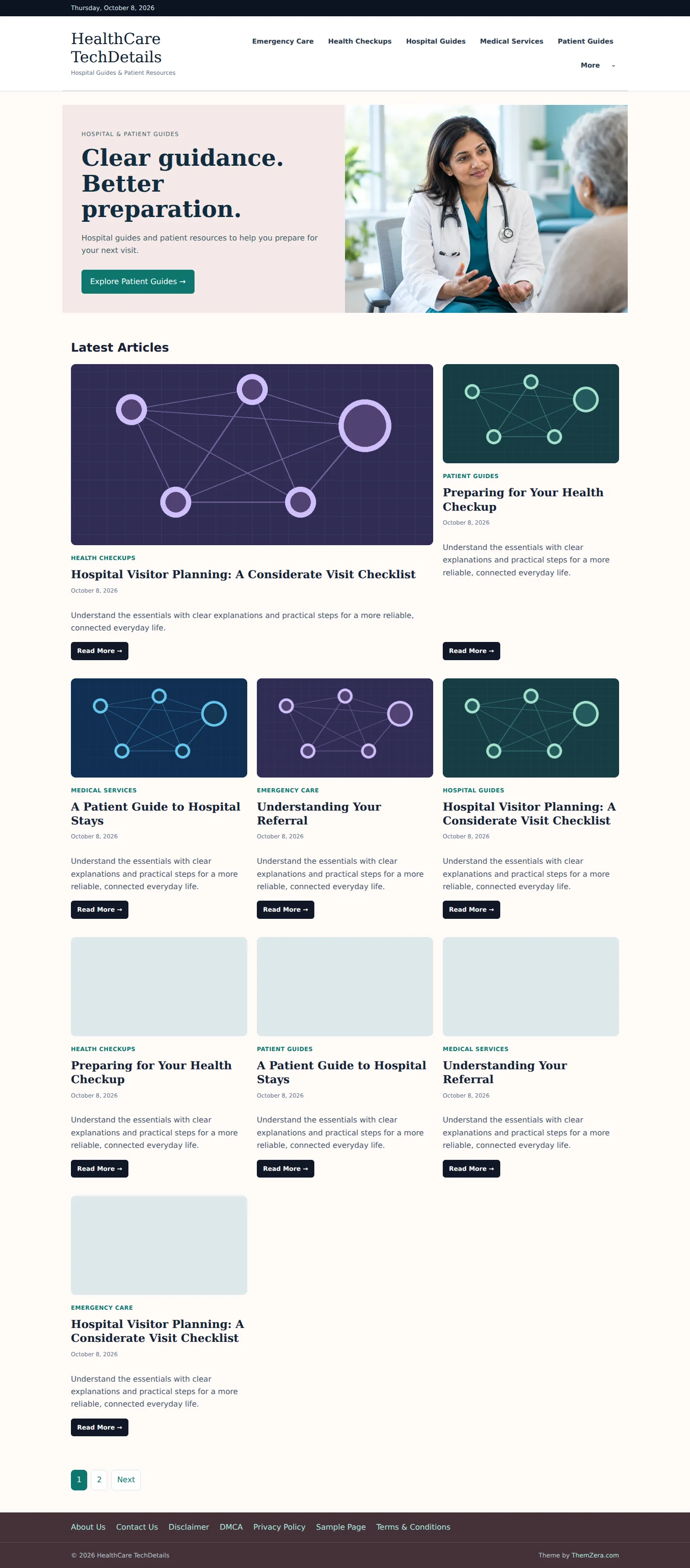
Minimal Health
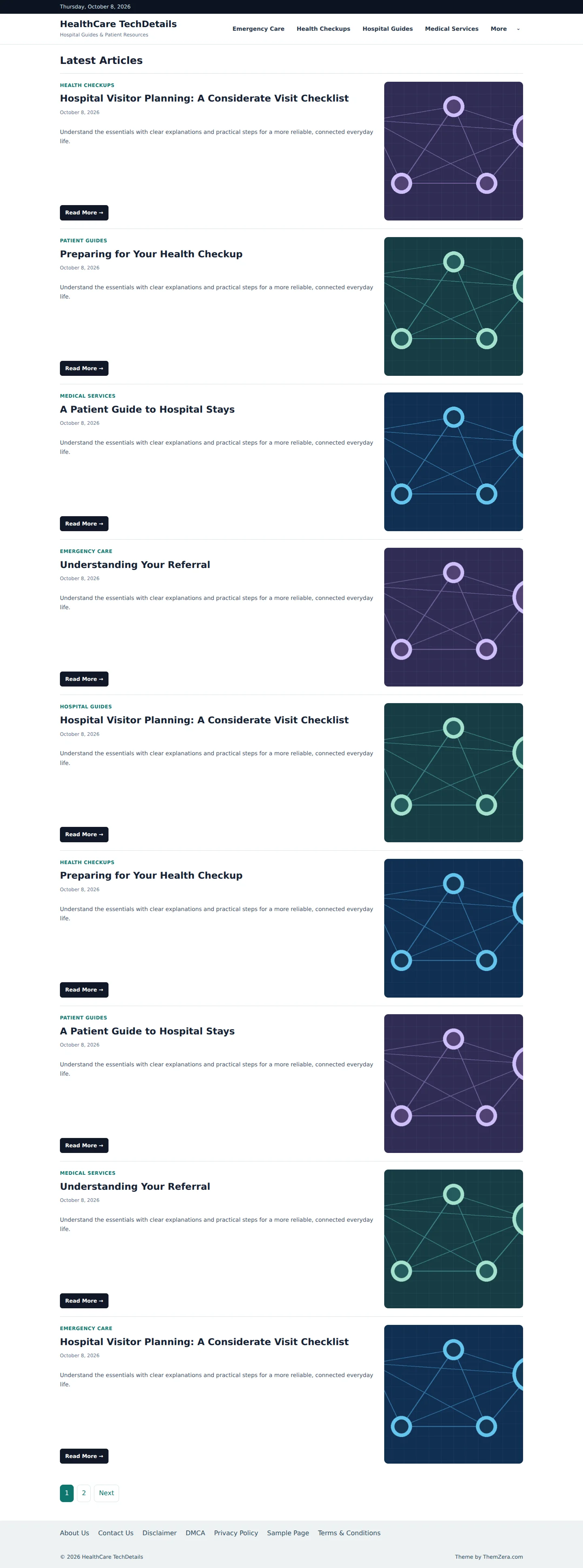
Easy Mode controls
- 77 settings across design, header, homepage, posts, links and buttons, sidebar, and footer.
- Desktop grids with 1, 2 or 3 columns; tablet and mobile grids with 1 or 2 columns.
- Left, right or no sidebar, with separate mobile behavior.
- Mobile featured-image visibility and before/after-title positioning. Desktop featured images remain available when assigned.
- Author, date, category, reading time and related article display controls.
- Internal and external link styles, colors and read-more button labels.
- Existing category navigation and published footer pages, with selection and ordering.
- Numbered pagination or Load More, plus settings import/export.
Mobile preview

Advertising and compatibility
Header, sidebar and article ad widget areas support your existing advertising workflow. Live ad creatives and third-party placement rules still require testing on your site. This theme does not guarantee ad approval, fill rate or earnings.
Designed for health blogs, hospital guides and patient information sites. It does not include appointments, medical records or a hospital management system.
Installation and setup
- Back up your current website.
- Upload the installable theme ZIP under Appearance → Themes → Add New → Upload Theme.
- Activate Zera HealthCare Pro and open Appearance → Easy Mode.
- Choose a preset, configure menus and images, then check homepages, posts and ads on mobile and desktop.
Theme activation does not create categories or articles. The cover is a promotional image; the previews above show actual theme layouts.
Version 1.2.0
Six distinct presets, expanded Easy Mode, responsive layout improvements, device-specific image controls, styled links, pagination options and article ad areas.
Availability
Design preview is published. Customer download and license access will be enabled when store release setup is complete.